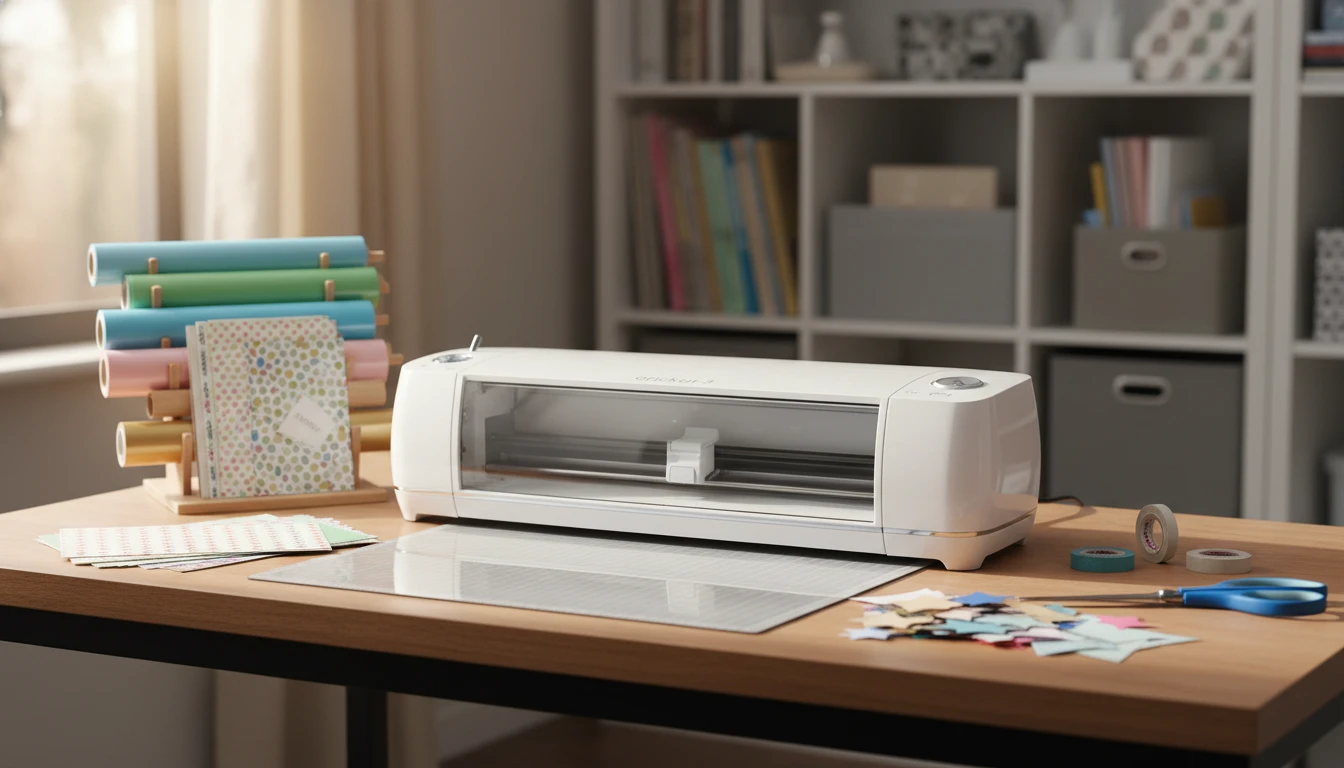
If you enjoy DIY crafts or want to take your creative projects up a notch, a Cricut crafting machine is definitely worth checking out. These cutting machines let you work with paper, vinyl, fabric, and more, making custom designs for home decor, shirts, cards, and hundreds of other fun projects.
How the Cricut Machine Works
The Cricut machine is pretty much like a personal die cutting machine with some seriously smart tech. You connect it to your computer, tablet, or smartphone. Through Cricut Design Space, you pick or upload a design, then the machine uses its precise little blade to cut your shape out of whatever material you’ve loaded onto the mat. It can handle really detailed designs, and every cut comes out incredibly smooth.
- Cuts 100+ materials: Includes basics like cardstock and vinyl, plus more advanced stuff like faux leather and iron on transfers.
- Works wirelessly: Most Cricut machines use Bluetooth, so you don’t have to tangle with cords from your computer or phone.
- Super precise: Even delicate paper snowflakes or tiny vinyl letters come out looking professional.
There are several Cricut machines, like the Maker 3, Explore series, and Joy. I started with the Explore Air 2, and it still does a solid job for most crafts. If you want the widest range of materials and tools, the Maker 3 is worth saving up for, as it truly gives a boost to your crafting possibilities.
Project Ideas to Get Inspired

The sky really is the limit for what you can make with a Cricut. Here are a few projects I’ve tried that always get an eye-catching reaction:
- Custom t-shirts: I use iron on vinyl to put fun sayings on tees. Cricut cuts the vinyl letters, and the heat press takes care of the rest.
- Greeting cards: Layered cards and pop up designs get cut neatly for birthdays, holidays, and thank you notes.
- Personalized labels: Making pantry or storage bin labels is quick and instantly makes your home look more organized.
I also spot people making wall decals, stencils, party banners, and even faux leather earrings. No matter what kind of craft mood you’re in, you’ll probably track down a Cricut project to match it.
Additionally, some Cricut fans experiment with creating custom stickers for planners or laptops, intricate paper flowers for unique bouquets, and holiday decor like ornaments or window clings. The flexibility really lets you jump into projects both big and small, so every skill level can try something new.
Tips for Cricut Beginners
If you’ve never used a Cricut before, getting started might seem intimidating, but it’s actually not that tricky once you take your first step. Here are a few tips I wish I knew from the start:
- Test with scrap material: Run a small test cut before using that expensive metallic vinyl or specialty paper. This helps keep mistakes from costing you the good stuff.
- Clean your mat: Keep the sticky mat free of lint by covering it when not in use. A clean mat makes your projects look better and helps your blade last longer.
- Start simple: Try a basic project like a monogram sticker to learn how the machine works and get used to loading materials and peeling away the extra pieces.
- Explore resources: Cricut’s help center has step by step guides and troubleshooting tips, while YouTube is packed with helpful walkthroughs from folks who’ve really been there.
Remember, don’t be afraid to experiment. Mistakes are part of learning, and sometimes they lead to a project you love even more. Joining Cricut groups on Facebook or Pinterest can also help you pick up inspiration and advice that will make your first projects easier.
Where to Buy a Cricut Machine
You can buy Cricut machines from the official Cricut website, but big retailers like Amazon, Michaels, and Joann pretty much always have them in stock. They sometimes offer sale bundles that include tools and starter materials, which can be a good deal for newbies. It’s smart to compare prices and check for coupon codes before you decide.
Buying used can save you some money, but be sure to check that the machine powers on, can pair via Bluetooth, and comes with at least one cutting mat. Ask if the previous owner has already registered the machine, since you’ll want to make your own Cricut Design Space account to save your own projects. A quick test before you buy will make it easy to spot any problems.
Share Your Cricut Ideas
I love seeing what other crafters whip up. If you have tips, questions, or just want to share a photo of your latest Cricut project, leave a comment below. There’s always something new to try, and your advice or stories might spark someone else’s creativity too. Whether you’re a total beginner or a seasoned designer, sharing your ideas helps everyone step up their crafting game!
Wrapping up, Cricut machines can open up a whole new world of creative possibilities—so go ahead and give it a try. Happy crafting!