If you’re curious about what the Cricut Maker can do, you’re in for a treat. I spend a lot of time crafting and the Cricut Maker has become my go-to tool for everything from custom stickers to felt flowers to leather keychains. This guide covers what makes the Cricut Maker worth checking out, how it works, and some easy ways to get started with your own projects. There’s plenty you can learn here, so let’s jump right in and check out what this machine can do for your crafting adventures.
What Is the Cricut Maker?
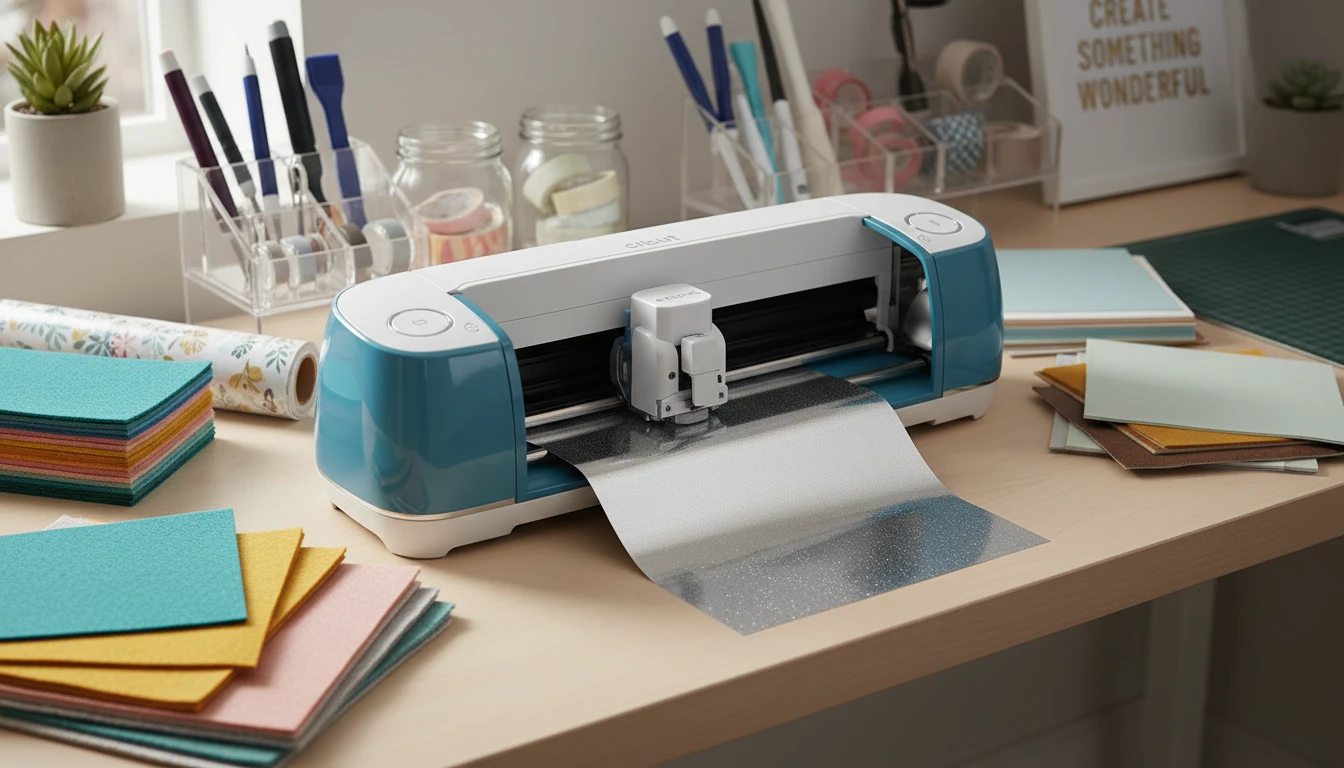
The Cricut Maker is a cutting machine that hooks up to your computer or phone and helps you cut all kinds of materials with pinpoint accuracy. It handles things like paper, vinyl, fabric, leather, chipboard, balsa wood, and more. I love it because I can work on everything from greeting cards to custom t-shirts, plus projects for the house and kids’ crafts.
- Cuts 300+ Materials: The Maker is known for cutting a huge list of materials, from copy paper to chunky leather and even thin wood sheets.
- Smart Blades and Tools: Different blades let you switch between cutting, scoring, engraving, and debossing. The rotary blade is perfect for fabric, while the knife blade lets you cut denser stuff like chipboard or balsa wood.
- Design Software: All designs run through Cricut’s free Design Space software. I always recommend checking out the Design Space gallery for ready-to-go ideas that help get your creative juices flowing.
How the Cricut Maker Actually Works
Setting up the Cricut Maker is simple. You connect it over USB or Bluetooth, follow the instructions in Design Space, and load your material onto a sticky mat. Then, you just pick your blade, tweak any settings, and let the machine cut, draw, or score based on your design.
- Upload or Pick a Design: You can make your own designs or browse plenty of free or paid templates in Design Space, so there’s always inspiration at your fingertips.
- Load Your Material: Stick your material onto the matching mat type; LightGrip for paper, StrongGrip for chipboard, and so on. Cricut mats are color-coded, which makes matching them to your materials super simple.
- Let the Maker Do the Work: The machine reads the design and makes perfect cuts, engraves, or draws while you kick back and relax. You’ll be amazed at the level of detail it can achieve with hardly any effort on your part.
The precision is awesome, especially for fabric or wood. My custom felt flowers and stencils look professional every time, with way less hassle than scissors or an X-ACTO knife. If you want to make clean and sharp designs, this is the machine to try.
Popular Cricut Maker Projects
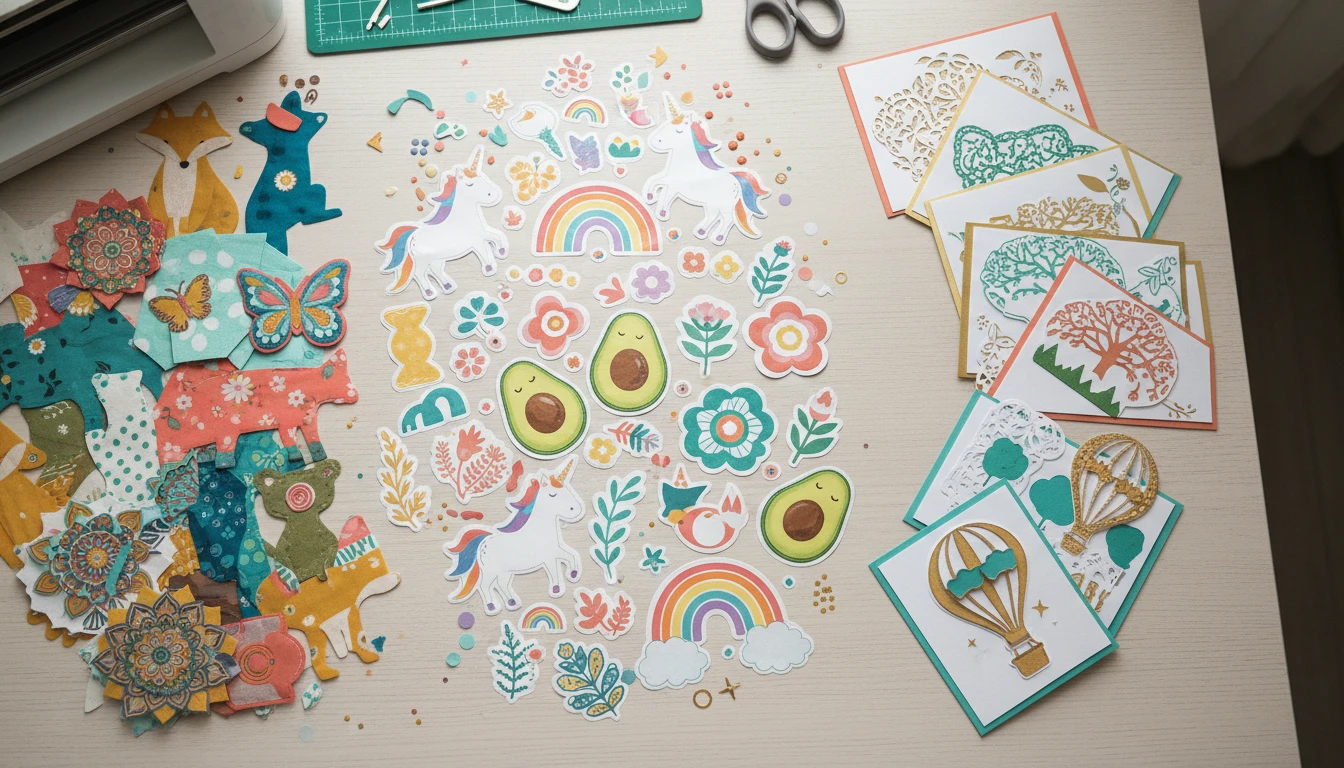
Whether you’re making crafts for fun, gifts, or even to sell, the Cricut Maker is up for almost anything. Here are a few projects that get a lot of love from me and other crafters:
- Custom Stickers & Decals: Print and cut vinyl or sticker paper to make planner stickers, car decals, or laptop skins. You can really get creative with colors and designs to make your stuff stand out.
- Sewing Projects: The rotary blade’s smooth cuts save me hours with fabric appliqué, quilt pieces, and doll clothes. No more jagged edges or wasted fabric scraps!
- Personalized Cards & Invitations: Crisp, intricate cutouts give party sets or wedding invites that next-level cool, professional look without hiring anyone else to do the job.
- Engraved Gifts: With the engraving tool, I’ve personalized metal luggage tags and acrylic ornaments. These small touches really give your gifts a personal flair.
- Home Decor: Wood signs, wall decals, and iron-on t-shirt designs have become super popular for room makeovers and seasonal changes. There’s so much you can make to match your style at home.
These are just the start. You might stumble upon even more ideas as you get comfortable, like making stencils for painting furniture or cutting leather to make handmade wallets. The possibilities are almost endless!
Tips for Beginners
Getting started with the Cricut Maker is easier than it looks. Making mistakes is part of the process, but here’s what helped me early on:
- Try out simple projects first, like vinyl decals or card cutouts. You’ll pick up the basics faster.
- Use recommended material settings in Design Space; they’re usually spot-on for most projects.
- Check out YouTube channels or Facebook groups for support and step-by-step ideas. The community is super welcoming and creative.
- Start with official Cricut mats and replacement blades until you feel comfortable experimenting with off-brand options.
If you hit a snag, Cricut’s help center and crafty online communities are loaded with fixes and inspiration. It’s easy to track down answers to most beginner issues pretty quickly.
How to Get Your Own Cricut Maker
The Cricut Maker is widely available online and in most major craft stores. It’s smart to shop during sales or bundled promotions for extra tools and mats, especially if you want to try a variety of materials. If you want to compare other Cricut models (like Explore or Joy), check out the official Cricut Maker product page for side-by-side details.
Once your machine arrives, don’t stress if you’re new to digital crafting. Almost everyone in the Cricut world started as a beginner too, and the learning curve drops fast after your first few completed projects. Remember, every mistake is a step toward mastering your machine.
Share Your Cricut Experience
I’d love to hear about your Cricut projects or ideas. Drop your questions, tips, or favorite projects in the comments. Swapping stories and inspiration keeps the community learning and growing strong! If you have a unique use for your machine, let the rest of us in on the secret—you never know who you might help.